FrameSight Recorder
Record a RenderDoc capture of your game without learning RenderDoc. Drop the executable, play to the moment that hurts, press F12. The capture is analysed on your own PC for free, or sent to our GPU fleet.
The Recorder signs in to your FrameSight account to upload captures, so the download asks you to sign in first. Create a free account.
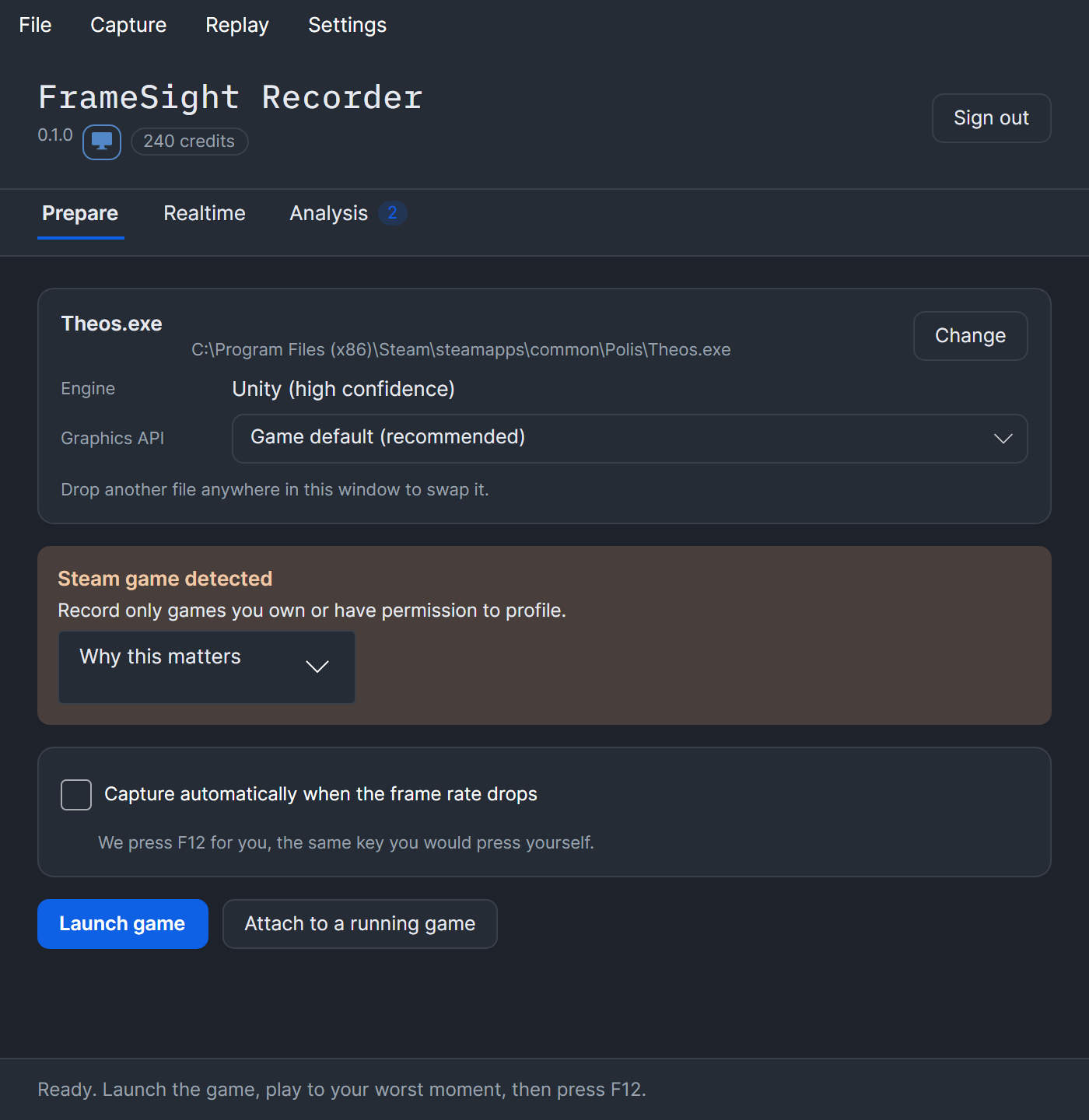
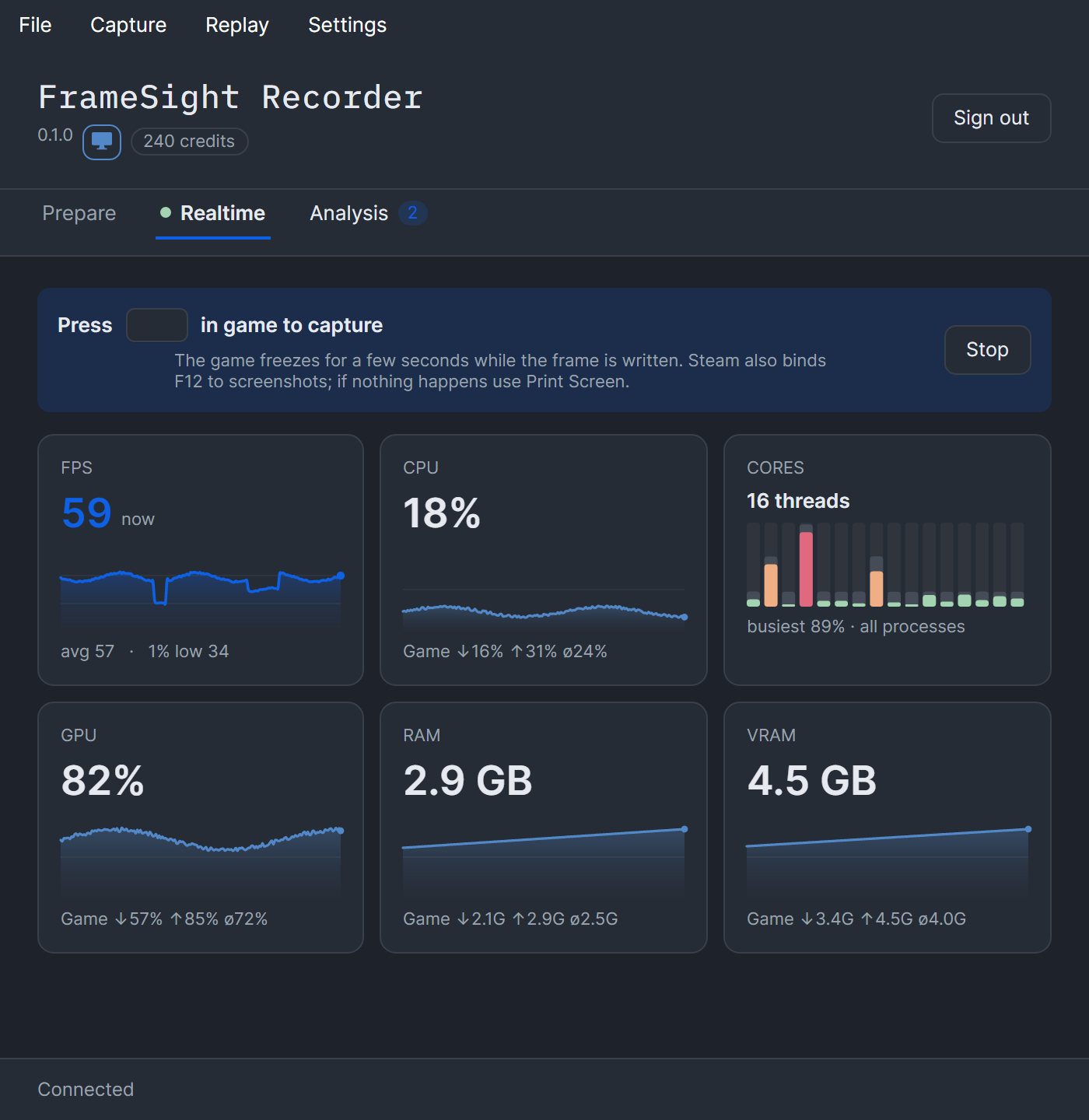
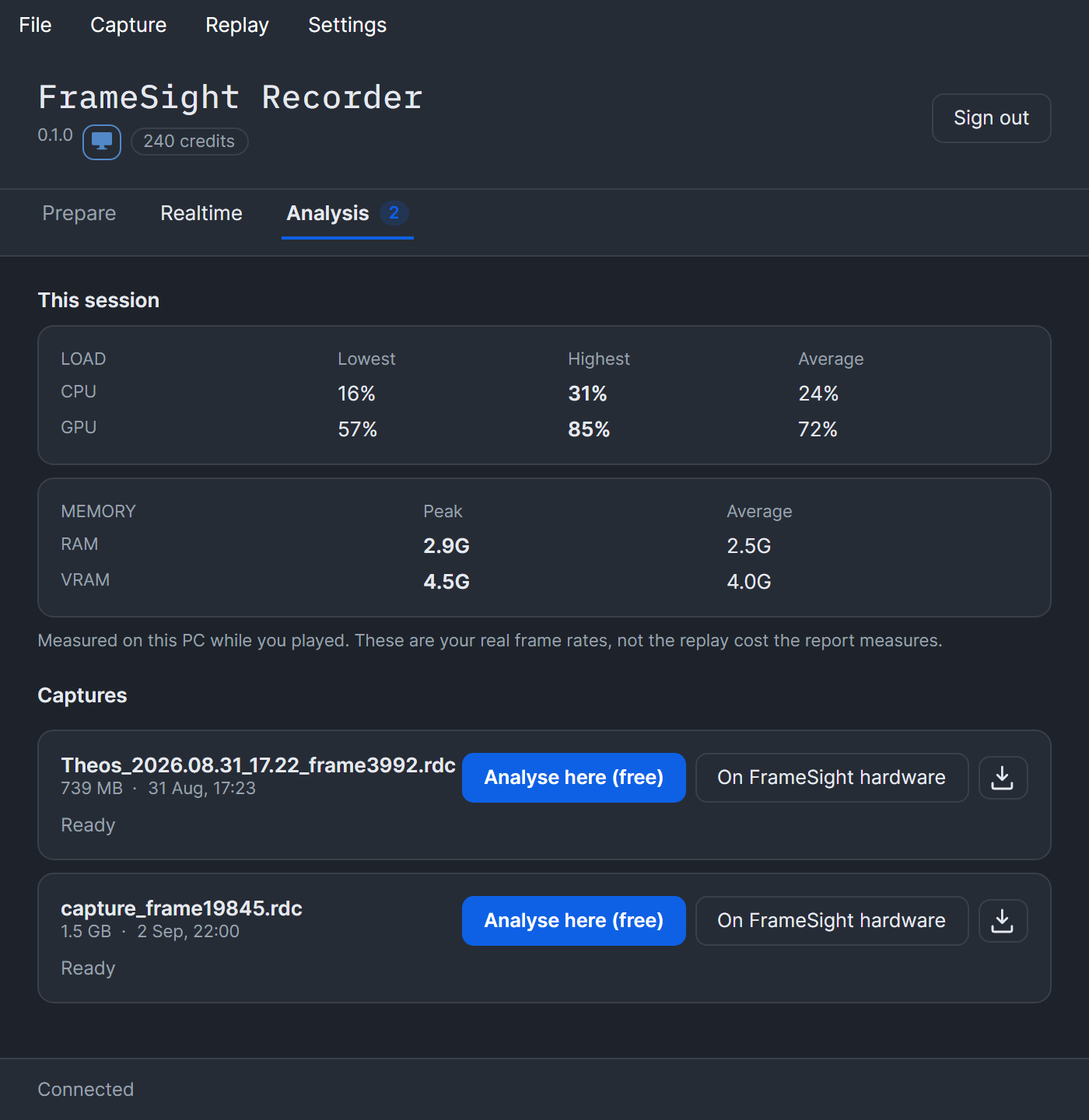
Point it at your game
Drop the .exe on the window, or attach to a game already running through Steam or the Epic launcher. The Recorder downloads and manages RenderDoc itself.
Play, then press F12
Play to your worst moment and take the frame. It can also watch the frame rate and capture on its own when it drops.
Analyse it
Run the analysis on your own PC for free and upload only the ~1 MB result, or send the capture to our GPU fleet.
What you need
- Windows 10 or 11, 64-bit.
- A FrameSight account, free tier included.
- Around 2 GB of disk for RenderDoc and the analysis tools, plus room for the captures themselves. A capture of a large game runs to a couple of gigabytes.
- No administrator rights to install. It installs for your user only. Windows grants frame-time measurements to elevated processes only, so that one card asks for administrator when you want it; capture and analysis work without.
Check what you downloaded
SHA-256 of FrameSightRecorder-0.1.1-setup.exe:
cb9ae7814daf36833507eb0e6da58e5e39f8fc1340612fbbcbe16a004a64afcfIn a terminal, from the folder you saved it to:
certutil -hashfile FrameSightRecorder-0.1.1-setup.exe SHA256